Valencia College Library
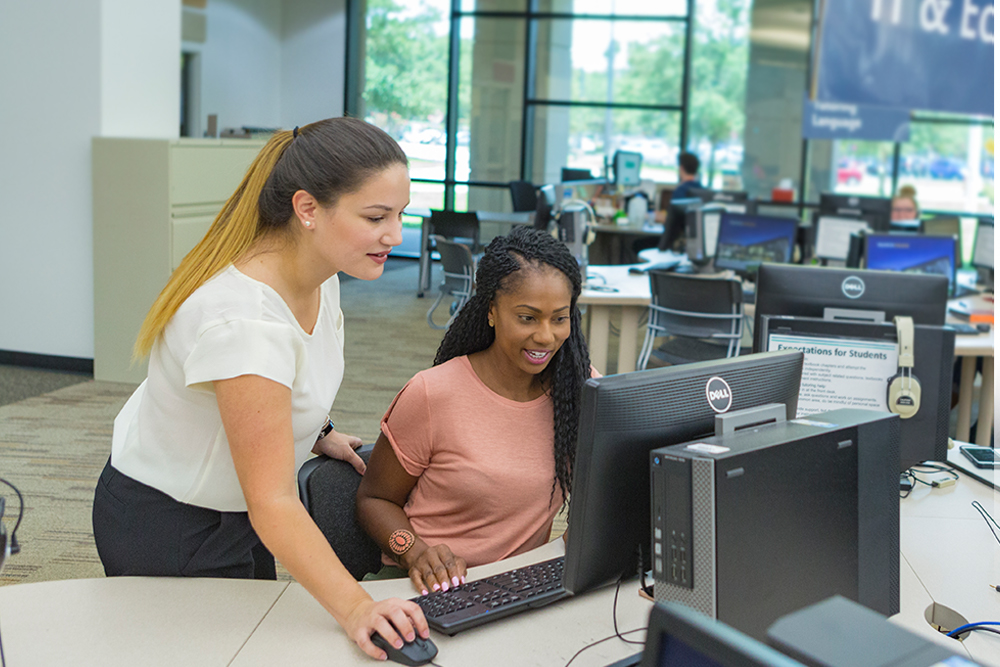
Valencia College has a library on 7 of our campuses, offering a wide variety of educational resources. The libraries provide access to print and digital materials including over 160 online databases, study spaces, computers and technology, printing, scanning, and copying. Librarians and other qualified staff are available to help you with research and citations, interlibrary loans, and learning technologies.
Important
Please take a moment to sign in when you enter a library. This helps us optimize our library services for everyone. Thanks!
Search the Library for books and e-books, videos, articles, digital media, and more
Quick Start Library Guide to accessing library resources remotely
Ask-A-Librarian to chat, text, or e-mail a librarian
Contact Us
Library Hours
Libraries will have both on-site and virtual hours at each campus library. The hours
of operation are subject to change during college-observed breaks, closings, and holidays.
You can contact the library with questions about your library account, access, fines, holds, and check-outs, by e-mailing libraryservice@valenciacollege.edu.
The libraries have a few laptops for short term loans to students. For laptops, contact your closest campus Valencia College Library.
Library Resources
Resources available at our locations include:
- Research Assistance/Library Instruction
- Computer Stations and Study Areas
- Databases, Journals, E-Books
- Print Materials and other Collections
- Scanning and Printing
- Course Reserves
- Interlibrary Loans
Library Services